Ledger Live Login – A Complete Guide to Accessing and Managing Your Crypto Wallet
Managing cryptocurrency requires a reliable way to monitor digital assets, review transactions, and maintain control over wallet security. Ledger Live is a companion application designed to work with Ledger hardware wallets, helping users manage supported cryptocurrencies through a convenient interface. Understanding the Ledger Live login process can make your digital asset management experience easier, safer, and more organized.
What Is Ledger Live?
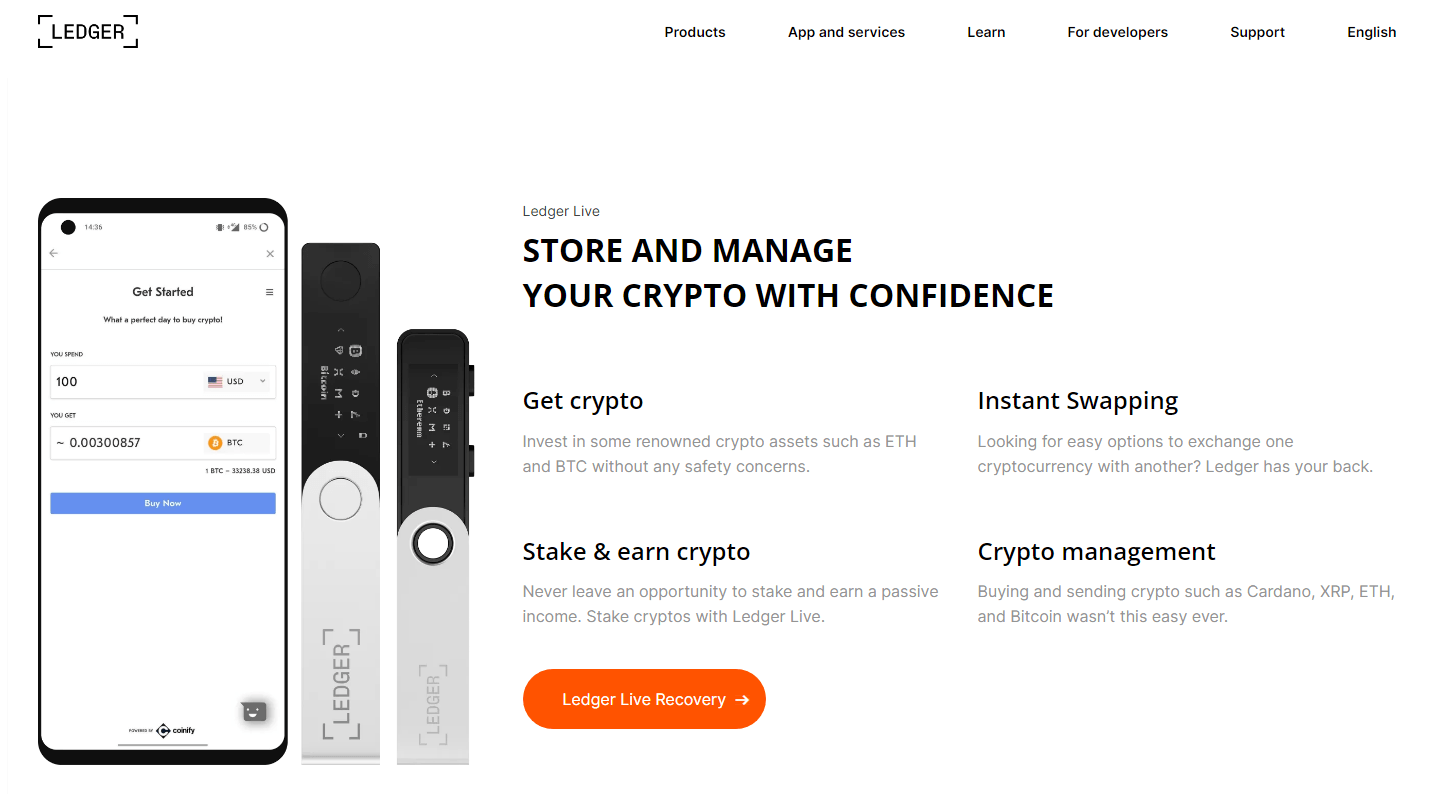
Ledger Live is an application developed to support Ledger hardware wallets. It allows users to view cryptocurrency balances, check portfolio performance, manage supported accounts, and interact with compatible blockchain services. The application is available for desktop and mobile devices, depending on the supported operating system.
Unlike traditional online banking platforms, Ledger Live is designed to work with a hardware wallet. Private keys remain protected by the connected Ledger device, while the application provides an interface for reviewing and managing supported crypto accounts.
How Does Ledger Live Login Work?
The Ledger Live login process is different from signing into a conventional website. Users generally do not access their wallet through a standard username and password combination. Instead, they open the official Ledger Live application and connect or use their Ledger hardware wallet when required.
This approach helps reduce dependence on online account credentials. Certain features may require device verification, a PIN entered directly on the hardware wallet, or confirmation of an action on the device screen.
To begin, download Ledger Live from the official Ledger website. Avoid third-party download pages, advertisements, or unofficial links that may distribute modified software.
Steps to Access Ledger Live
Follow these general steps to open and use Ledger Live safely:
Step 1: Download the Official Application
Visit Ledger's official website and locate the Ledger Live download section. Choose the version compatible with your computer or mobile device.
Step 2: Install Ledger Live
Complete the installation process using the instructions provided by the application. Before opening it, make sure the software comes from an authentic source.
Step 3: Open the Application
Launch Ledger Live on your device. If you are using it for the first time, follow the initial setup instructions and choose the appropriate option for your hardware wallet.
Step 4: Connect Your Ledger Device
Connect your Ledger hardware wallet using a supported USB cable or compatible connection method. Unlock the device with your PIN when prompted.
Step 5: Verify and Manage Your Accounts
Use Ledger Live to review supported accounts, synchronize balances, and access available features. Transactions that require hardware-wallet approval must be confirmed directly on your Ledger device.
Important Security Tips for Ledger Live Login
Security should always be a priority when managing cryptocurrency. Although Ledger Live provides a convenient interface, users must follow safe practices to protect their digital assets.
Always download the application from Ledger's official website. Keep your software and hardware-wallet firmware updated through official instructions. Use a strong device PIN and store your recovery phrase offline in a secure location.
Never share your recovery phrase with anyone. Ledger support representatives will not need your recovery phrase to troubleshoot an ordinary application issue. Anyone requesting these words may be attempting to access your funds.
Be cautious of fake login pages, suspicious emails, social media messages, and websites claiming to offer wallet verification. Ledger Live does not require users to enter their recovery phrase into a website or application to restore access.
Common Ledger Live Login Issues
Users may occasionally experience problems when opening Ledger Live or connecting their hardware wallet. Common causes include outdated software, USB connection issues, device compatibility problems, or temporary synchronization errors.
If the application does not recognize your device, check the cable and connection port. Close other applications that may be using the hardware wallet and restart Ledger Live if necessary.
If account balances appear outdated, allow the application to synchronize with the relevant blockchain network. You can also check Ledger's official support resources for troubleshooting guidance.
Benefits of Using Ledger Live
Ledger Live offers several useful features for cryptocurrency users. Its portfolio interface helps users monitor supported assets in one place. Account management tools make it easier to organize cryptocurrency holdings, while hardware-wallet integration adds an important layer of transaction security.
The application also provides access to supported services and features that may vary by cryptocurrency, region, device, and software version.
Conclusion
Ledger Live Login provides a practical starting point for users who want to manage supported cryptocurrency accounts through a Ledger hardware wallet. By downloading the authentic application, connecting your device correctly, and following essential security practices, you can make your crypto-management routine more convenient.
Remember that protecting your recovery phrase and verifying every transaction are essential responsibilities. Use official resources, avoid suspicious login links, and keep your wallet software updated to maintain a safer cryptocurrency experience.